

Data Model
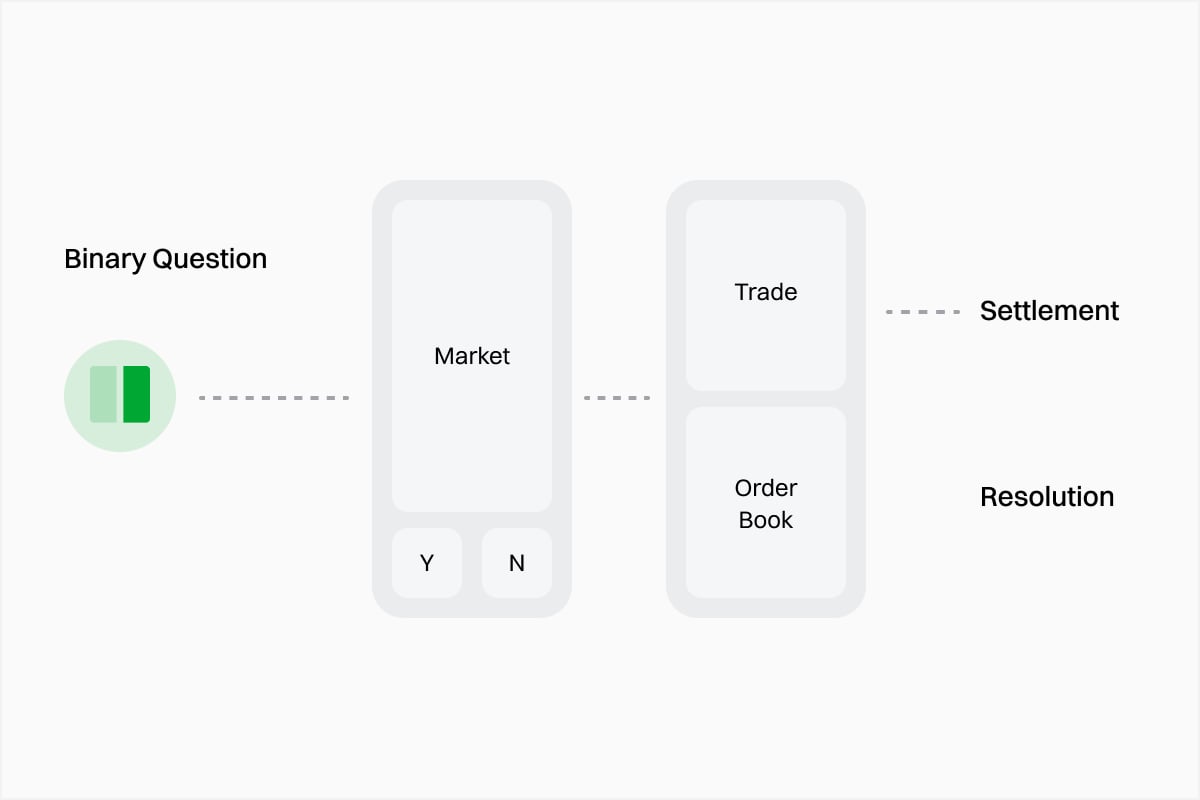
In Event Contracts, an Event can contain one or more Markets. Each Market is a tradable question with outcomes such as YES / NO. Every Outcome has a corresponding Token ID. When an application needs to read the price or order book for an outcome, or place an order, it uses that Outcome’stoken_id.
1
Discover an Event
Browse current Events, filter by category, or query a specific Event directly by slug / ID.
2
Select a Market
View the Markets under the Event and choose the specific question your application needs to handle.
3
Select an Outcome
Choose YES, NO, or another outcome and save its corresponding Token ID.
4
Read or Subscribe to Data
Use the identifiers you obtained to query the REST API or subscribe to real-time updates through WebSocket.
Choose an Integration Flow
Discover Markets
Find the Events and Markets your application is interested in.
Market Details
View outcomes, status, trading limits, fees, and other Market properties.
Prices & Order Books
Retrieve current prices, liquidity, and historical price data.
Real-Time Data
Keep market state synchronized through real-time data streams.